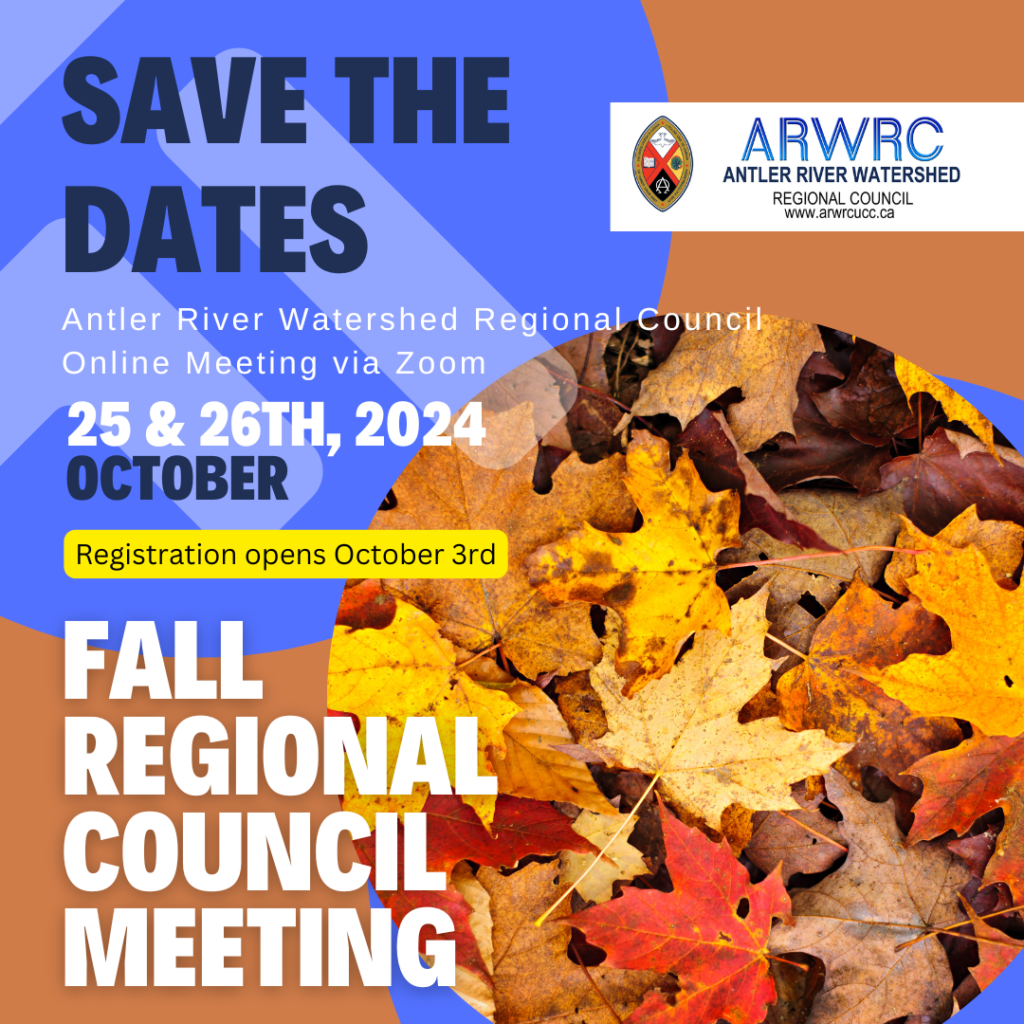
SAVE THE DATES – ARW Regional Council Fall Meeting October 25 & 26th



This summer we have become aware of a “payroll scam” targeting ministry personnel and other staff members of churches.
How the Payroll Scam works:
How to avoid the Payroll Scam:
Stay alert and be safe online and on the phone.
As Pride season continues, hate incidents, assault, hostility and pushback in communities across the nation are on the rise, and some of these incidents go unreported and/or undocumented.
The United Church of Canada is beginning to collate information on these incidents, to map out patterns and also to encourage reporting, create awareness, and support advocacy initiatives.
Unfortunately many congregations and other ministries have already experienced anti-2SLGBTQIA+ pushback. The regional council has created a reporting form for such incidents. Should you experience any incidents, please fill out the form and help us work together to address the pushback against 2SLGBTQIA+ rights and wellness here:
Incident Form
And may you have a happy and safe summer.
Thérèse Samuel
Antler River Watershed, Western Ontario Waterways, Horseshoe Falls


Did your Minister leave and run off with the sign in credentials to your church’s Facebook account? Did the volunteer on your communications team finish their term and didn’t give you access to your YouTube or Canva accounts? Is one of your staff members on leave and not accessible to retrieve passwords to your MailChimp or X accounts? Need to set up a meeting but don’t have the password to the Zoom account and your Church Administrator left abruptly.
You could be left out in the cold and shut out of your online church accounts like MailChimp, Facebook, Instagram, X, Canva, MailChimp, Constant Contact, YouTube, Vimeo etc.
The importance of setting up more than one administrator of your online church accounts has never been more important. The importance of having more than one leader, staff member or volunteer the ability to access your online accounts for church business has excelled as we move much of our messaging and communications online in digital formats.
Gone are the days where file folders of paper can be handed over to new staff or ministry personnel or committee members.
Two-Factor Authentication(2FA) or One Time Passcodes (OTP) are our new reality with bad actors coming up with new scams daily. Two-Factor Authentication and One Time Passcodes are important ways to verify your church’s identity and the user logging in. These 2FA or OTP notices should go to Communications or Administrative emails or phone numbers not to personal phone numbers for verification.
Best Practices:
Consider using a social media management platform where you can manage access to multiple platforms from one place. The General Council Office uses Hootsuite, and there are many others to choose from, such as Buffer.
[Photo Sara Kurfess via Unsplash]
Submitted by Michele Petick, Websites and Social Media Manager, Administrative Assistant
Antler River Watershed, Horseshoe Falls, Western Ontario Waterways Regional Councils.


We’re trying something new. We’re introducing an Ask An Expert series in partnership with the General Council Office. You ask the questions, and we’ll provide the expertise.
Who are the experts? Well, it depends on the topic and staff availability.
Maybe you want to know more about the insurance partnership between the GCO and Communities of Faith. Or what you do when the local newspaper calls (or when you want to get a good story out). Or what the new government relations officer does. Or what the cost-of-living-adjustment is.
It’s kind of like a Pick-Your-Own-Adventure book. Here’s how it works:
1. You send us your questions here: https://forms.office.com/r/q7UM9spU9z
2. We find the expert who can answer them.
3. We all tune in on Wednesday September 18th, 7-8 p.m. by Zoom here: https://united-church.zoom.us/j/89972136949
4. As many questions will be answered as can be within the allotted time. Unanswered questions will carry over to the next session, or we’ll answer them on our Regional Council Facebook group.
5. Tough questions are okay. We’ll do our best to answer them, and if we can’t on the spot, we’ll follow up with the right information.
So, pick your adventure. Will it be insurance? Or grants? Climate justice? Governance? Media relations? Government relations? Global partnerships? Or something else?
You pick. Ask your question here: https://forms.office.com/r/q7UM9spU9z. Join us on Wednesday September 18th at 7 p.m. to get an answer in real time. Don’t have a question right now? Listeners welcome!
This session will be facilitated by: Michelle Owens

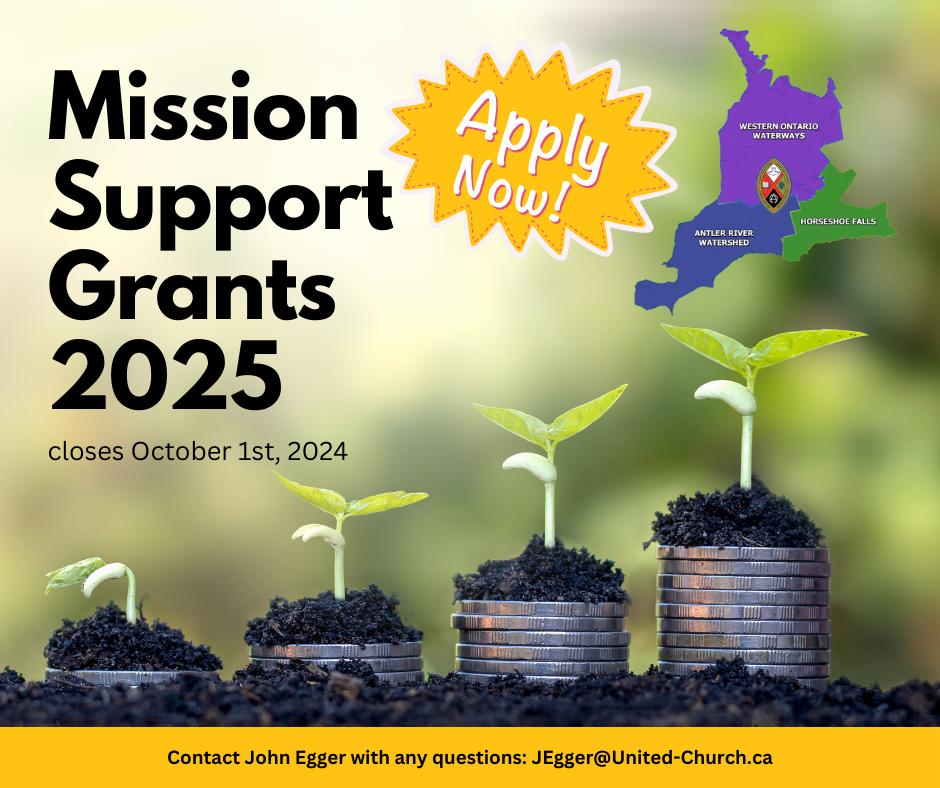
The Discipleship and Justice Commission for your region is now welcoming applications for the 2025 Mission Support granting cycle.
Application forms can be found under “resources” on your regional council’s website. Please use the 2025 form and include all relevant information, even if it was included in previous applications.
Quick Link here: https://arwrcucc.ca/mission-support-grants/
This year we have also included a checklist to help you ensure that all necessary supporting documents have been included in your application.
If you received a grant last year, we are also asking you to provide a story about your ministry and its impact, as outlined in “Sharing Your Story” on the last page of the application form.
Send your completed application and supporting documents (ideally in a single pdf document) to me by email at JEgger@united-church.ca by 8:30 am Tuesday, October 1, 2024.
Feel free to reach out to me or any of my colleagues if you have any questions:
John Egger: JEgger@united-church.ca
Kathy Douglas: KDouglas@united-church.ca
Thérèse Samuel: TSamuel@united-church.ca
John Egger, Minister, Social Justice